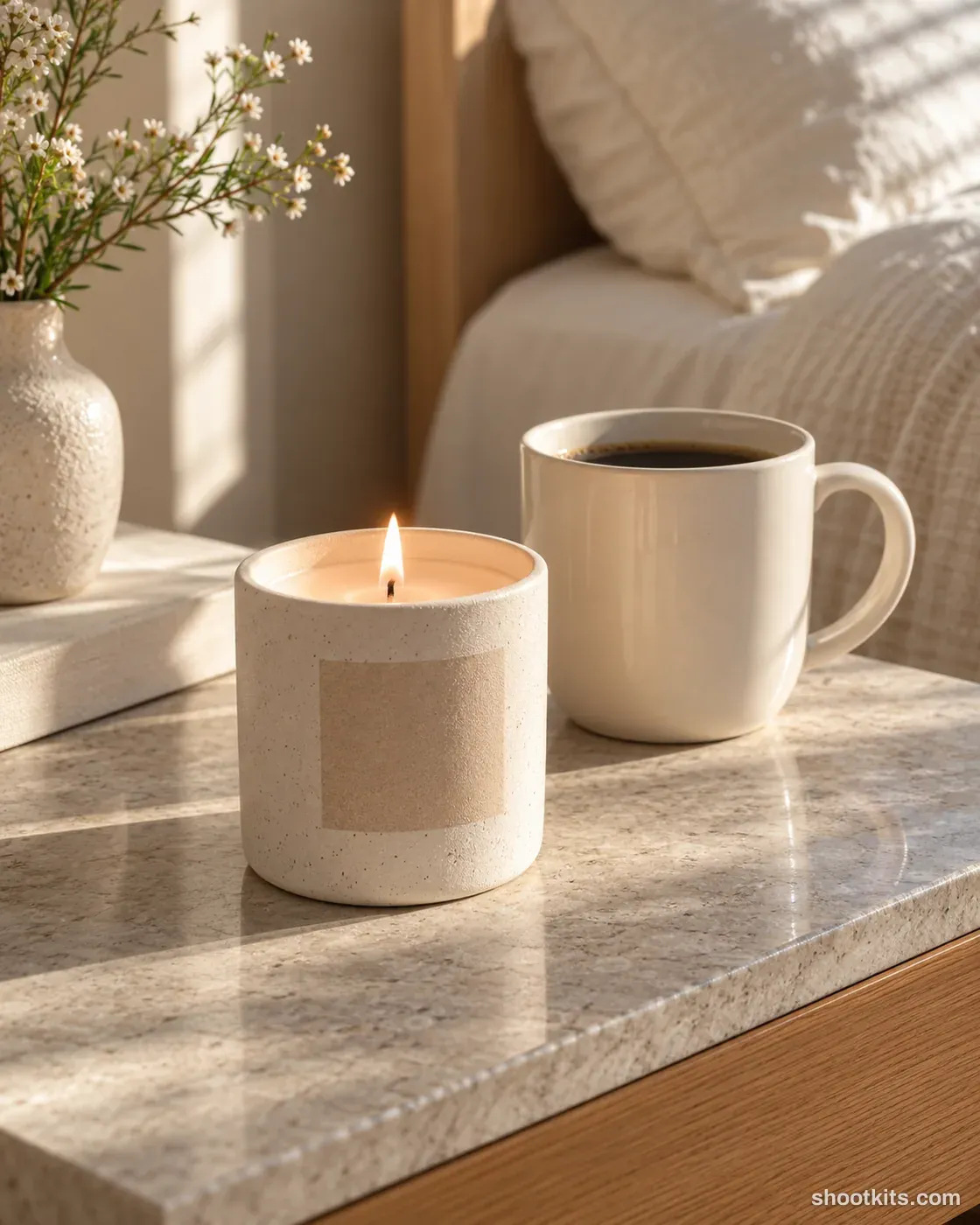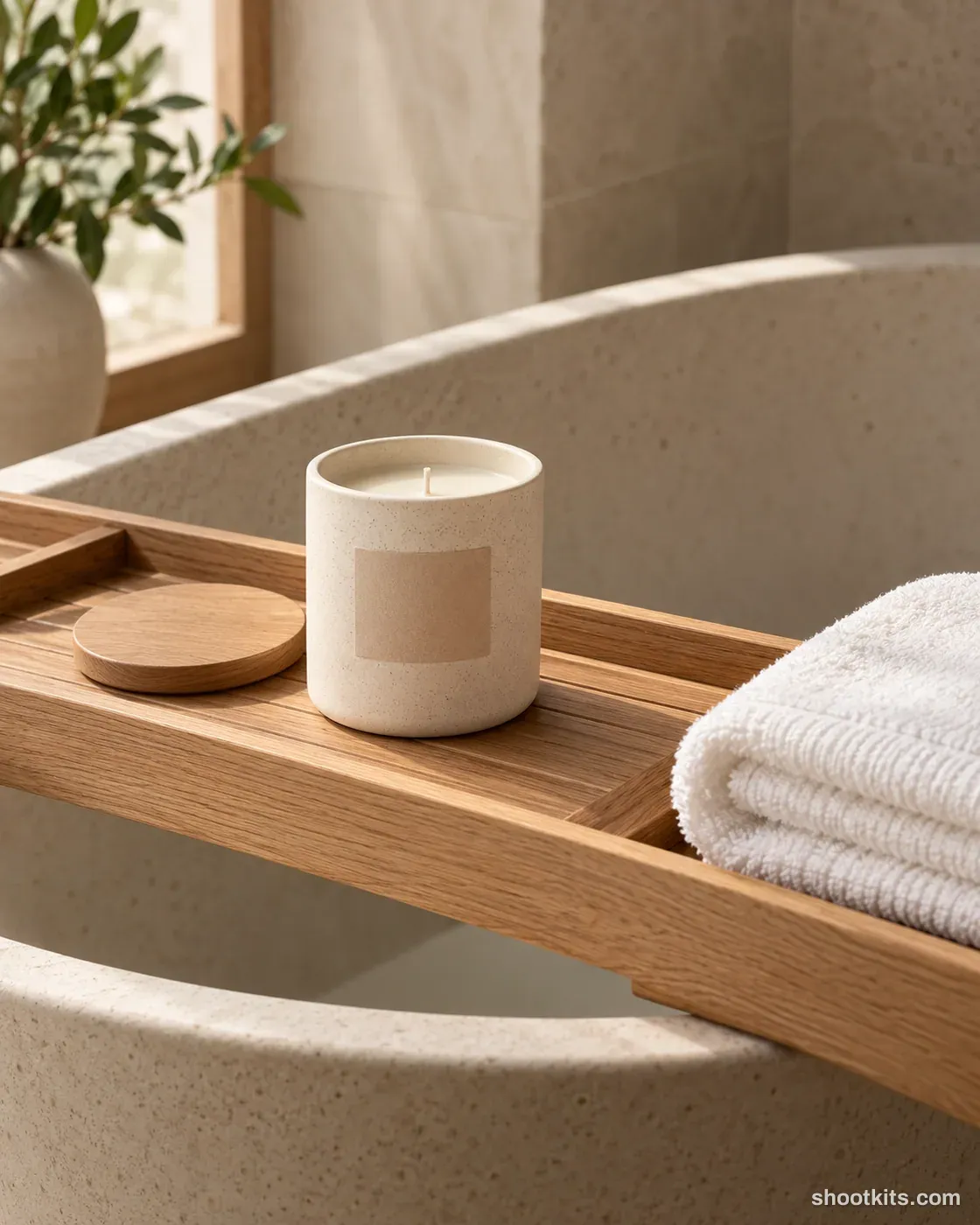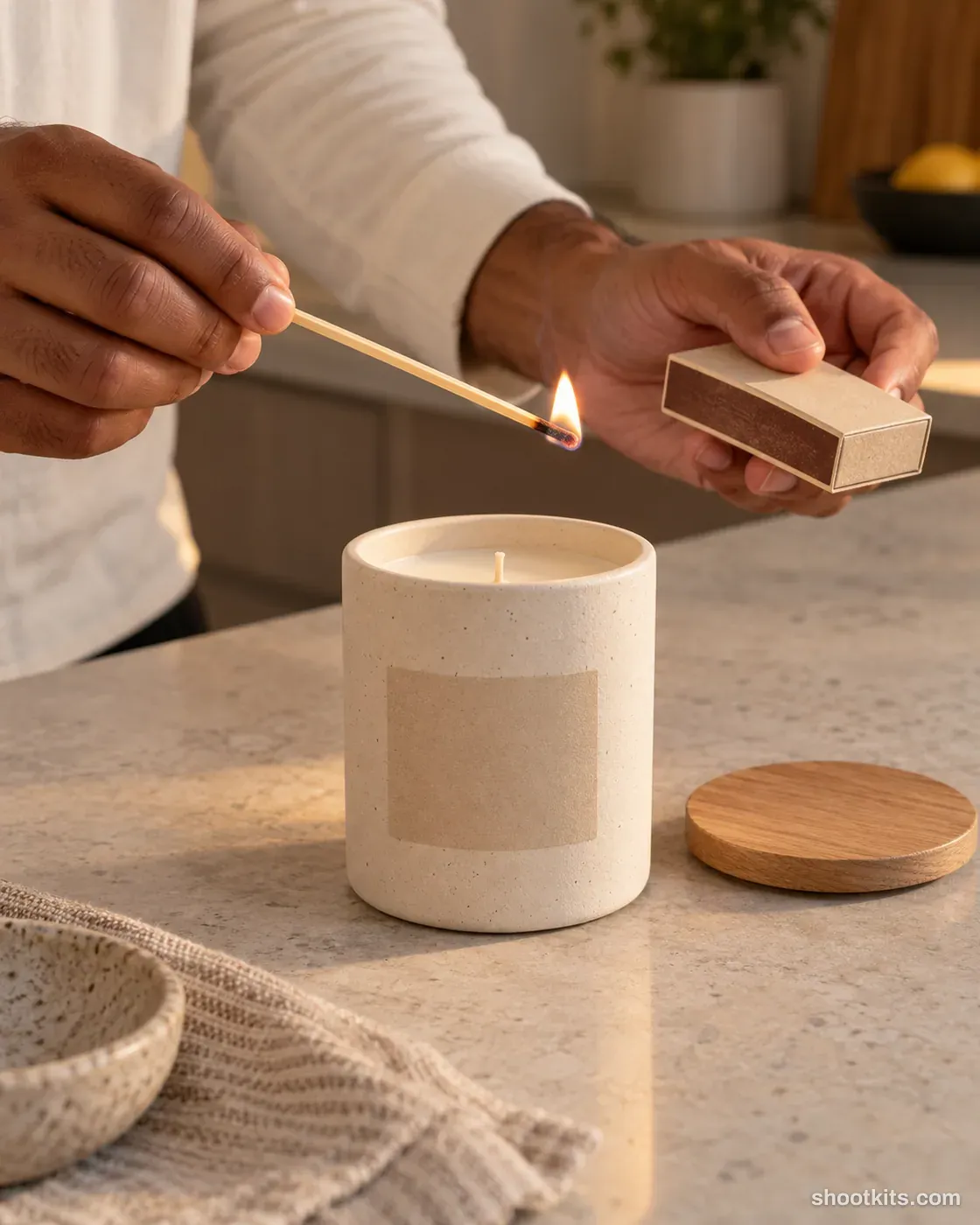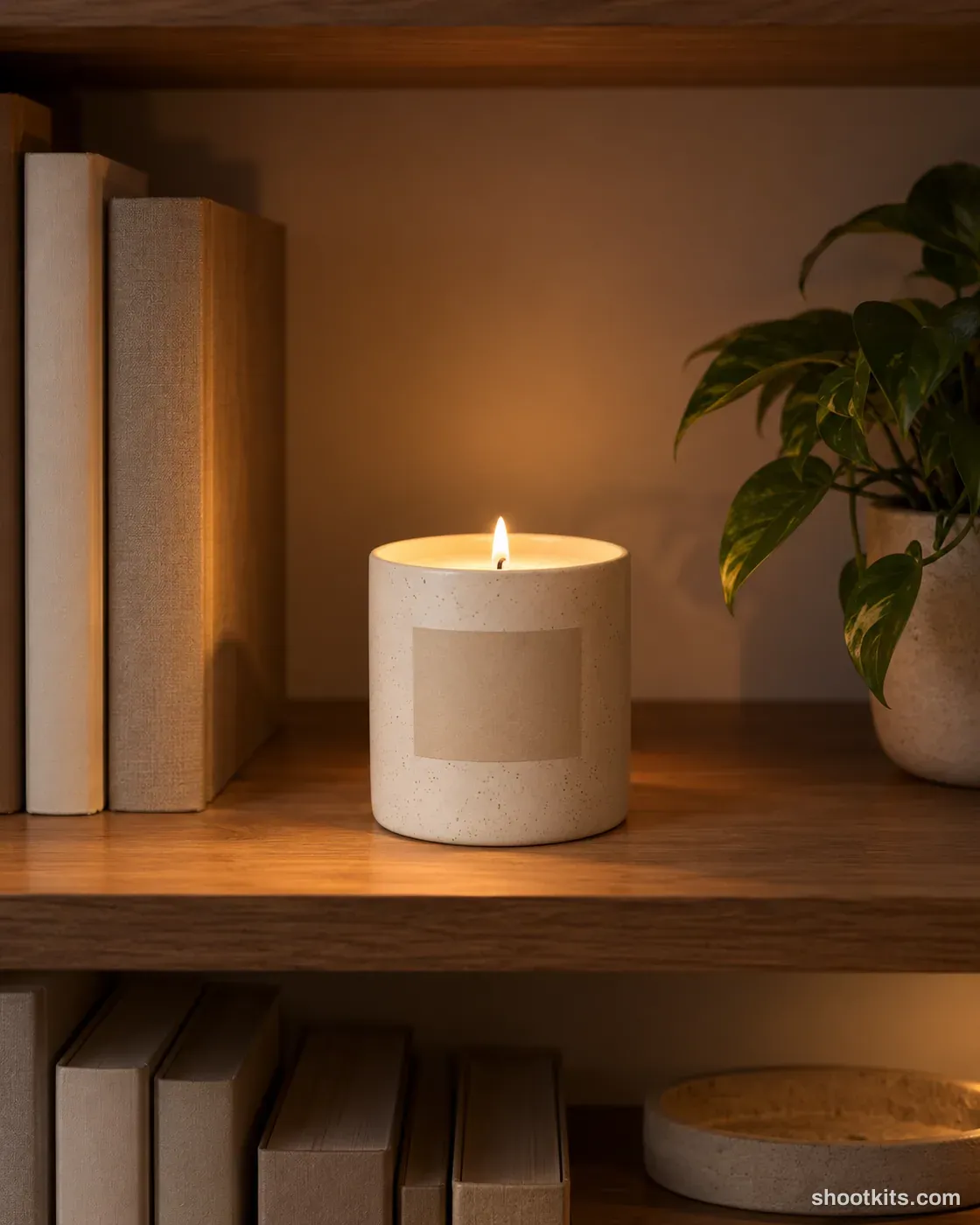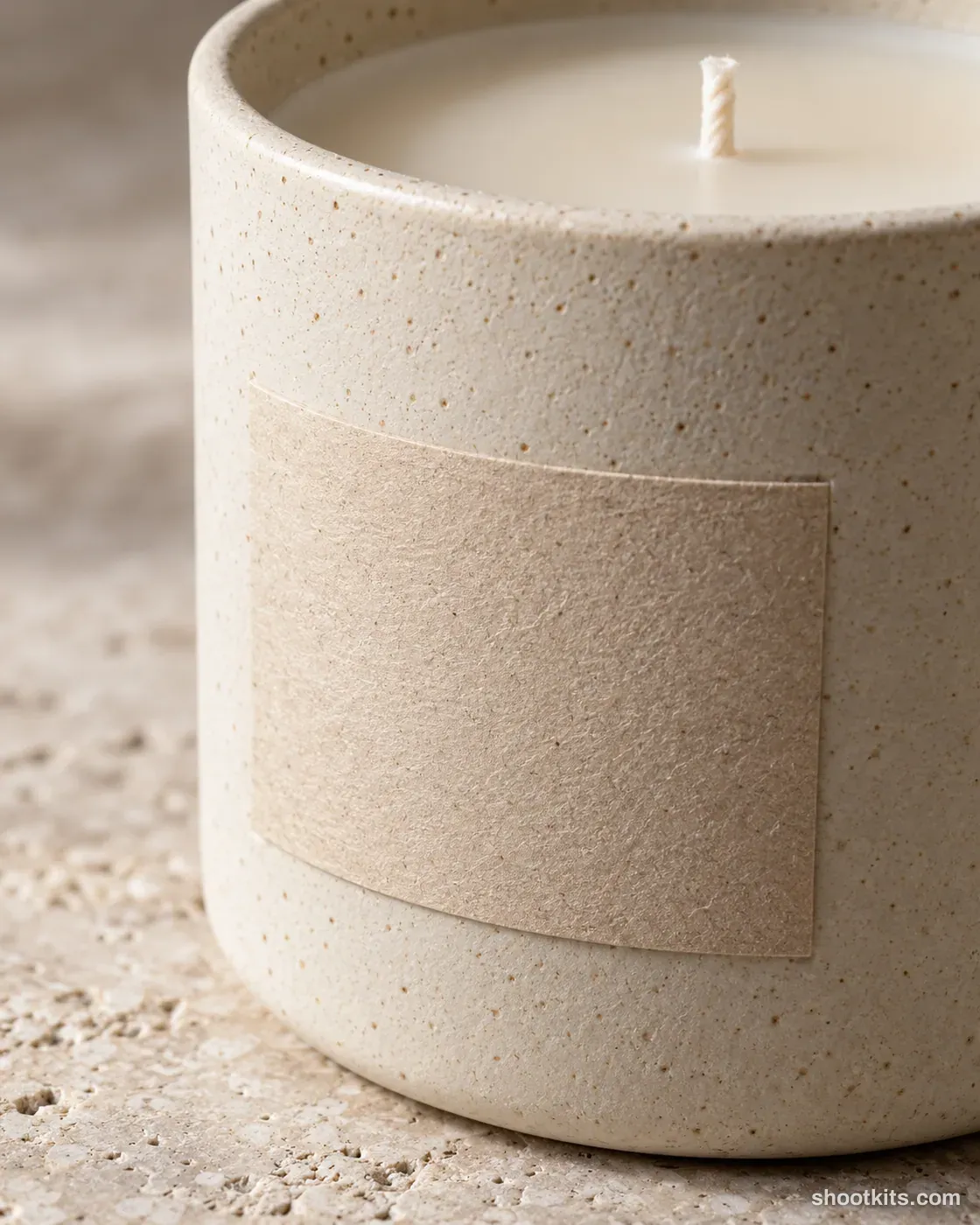
Label detail
- Single shot
- Product only
- Portrait 4:5
A close photograph of the vessel and label gives shoppers a better understanding of the materials behind a candle. Handmade ceramics, textured paper labels and premium packaging benefit most from this detail view. It can sit beside a wider listing image to show workmanship that would otherwise disappear on a small screen. When using your own photo in ChatGPT, provide a second close-up if the surface texture is subtle. Ask it to preserve the label edges and ceramic grain, and check any real lettering separately before publishing.
Describe your candle in a few words. Still attach your product photo in ChatGPT.
Attach your product photo before you paste the prompt. A plain background and even light give the most accurate result.
How to use this prompt
- Photograph your candle. Use a plain background and soft, even light. A phone photo is fine if it's sharp.
- Open ChatGPT and attach the photo. Use a model that can create images.
- Paste the prompt and send it. You get one finished photo.
- Fix details in the same chat. If something changed, reply with what to keep, for example: “Keep the label exactly as in my photo.”
More tips in How it works.
Questions about this kit
- What does the Label detail prompt create?
- It creates one finished portrait photo (4:5) of your own candle, in this scene: stone surface. The 4:5 shape fits Instagram feed posts and most product pages.
- Are there people in the photos?
- No. This is a product-only photo, which suits listings, catalogues and ads where the candle should be the only subject.
- Will ChatGPT keep my candle exactly as it is?
- The prompt tells ChatGPT to treat your photo as the source of truth and to protect the vessel, wax colour, wick, lid and label. If a detail still changes, reply in the same chat: “Keep the vessel exactly as in my photo.”