Color blocking
Use large saturated contrasting planes, clean silhouettes and clearly separated product and backdrop colors.
- Palette
- cobalt, coral, lime
- Lighting
- Bright neutral key and clean geometric shadows.
- Shown with
- Footwear, but works with any product
Color blocking kits
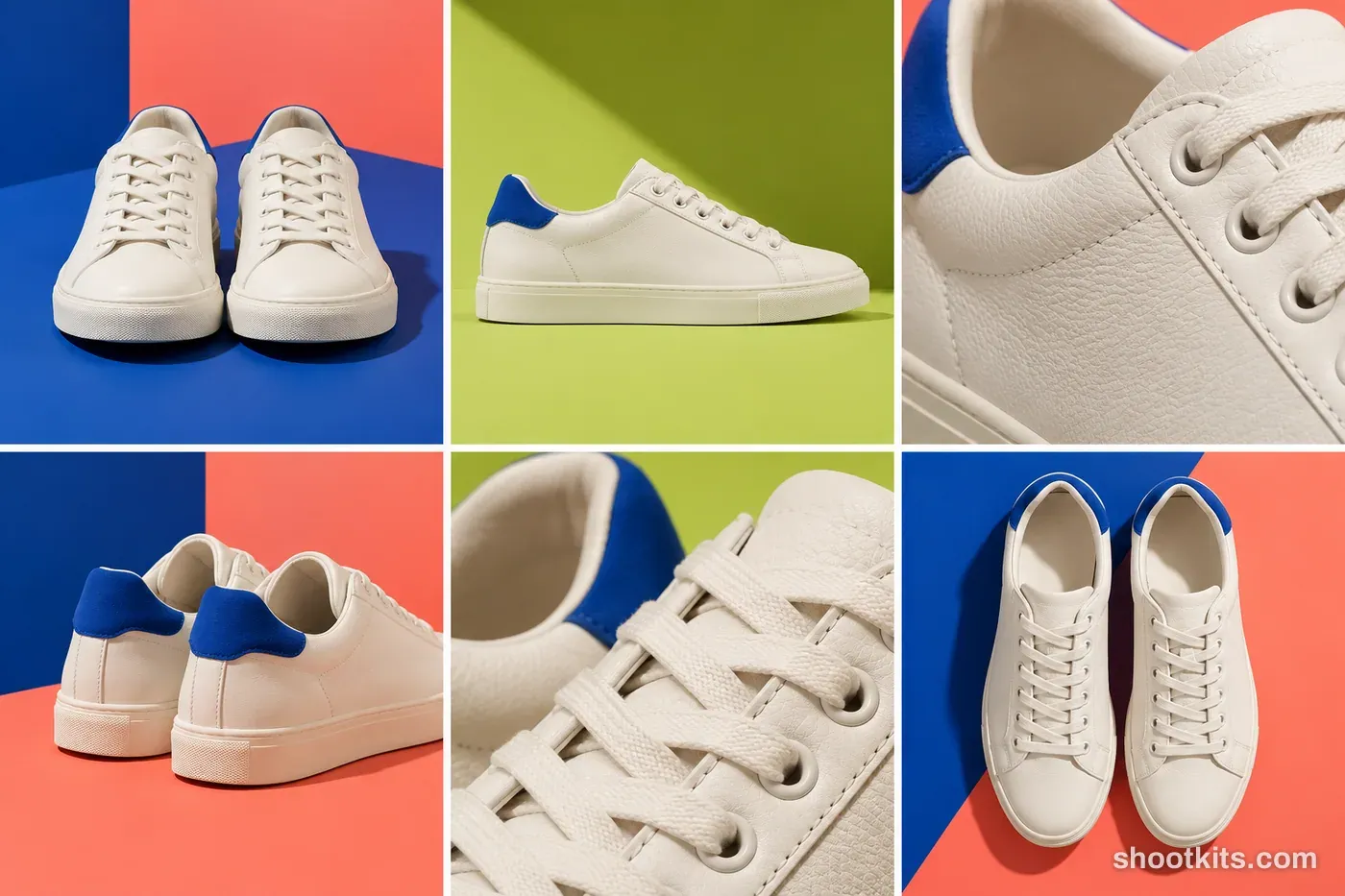
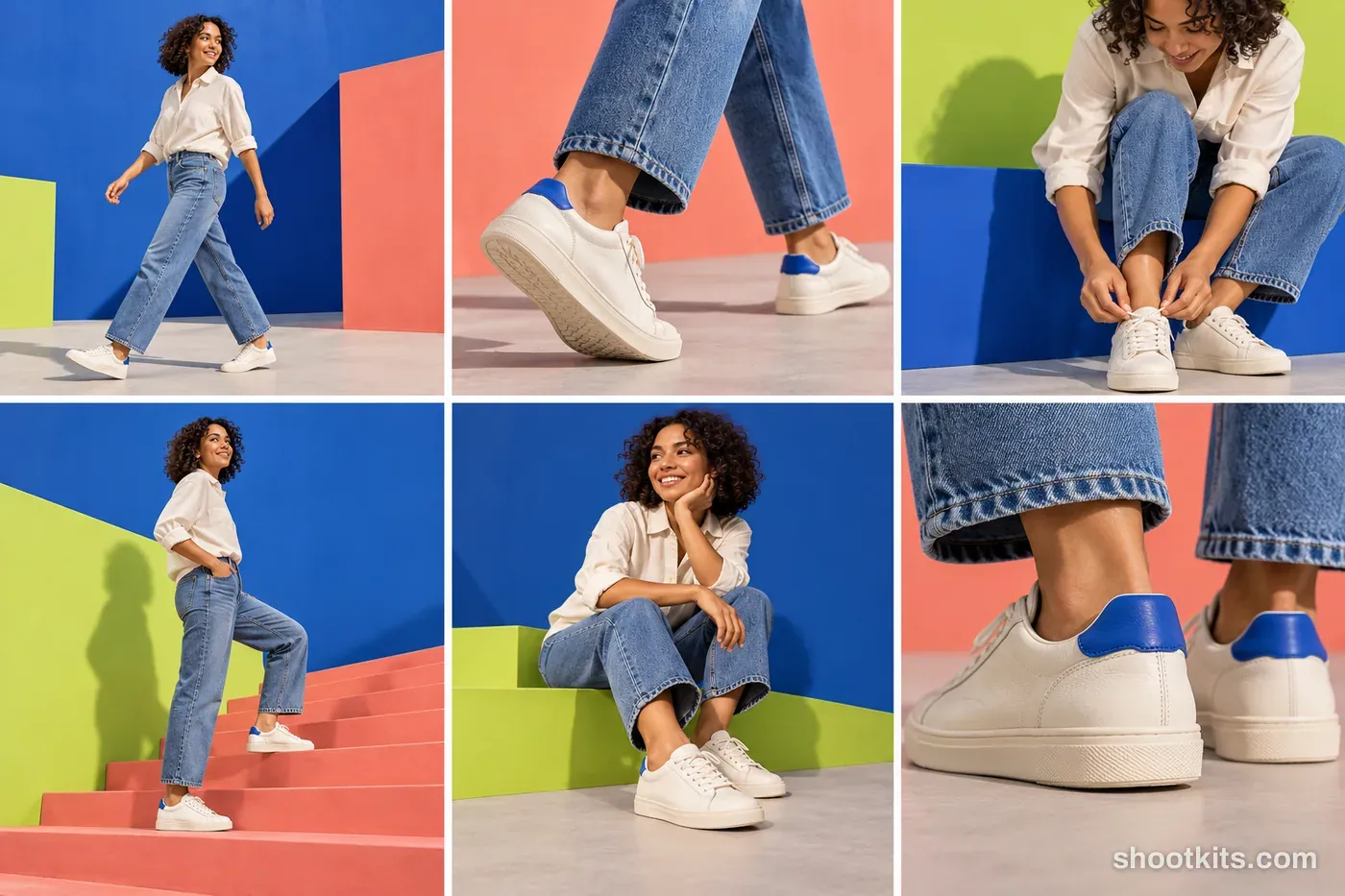
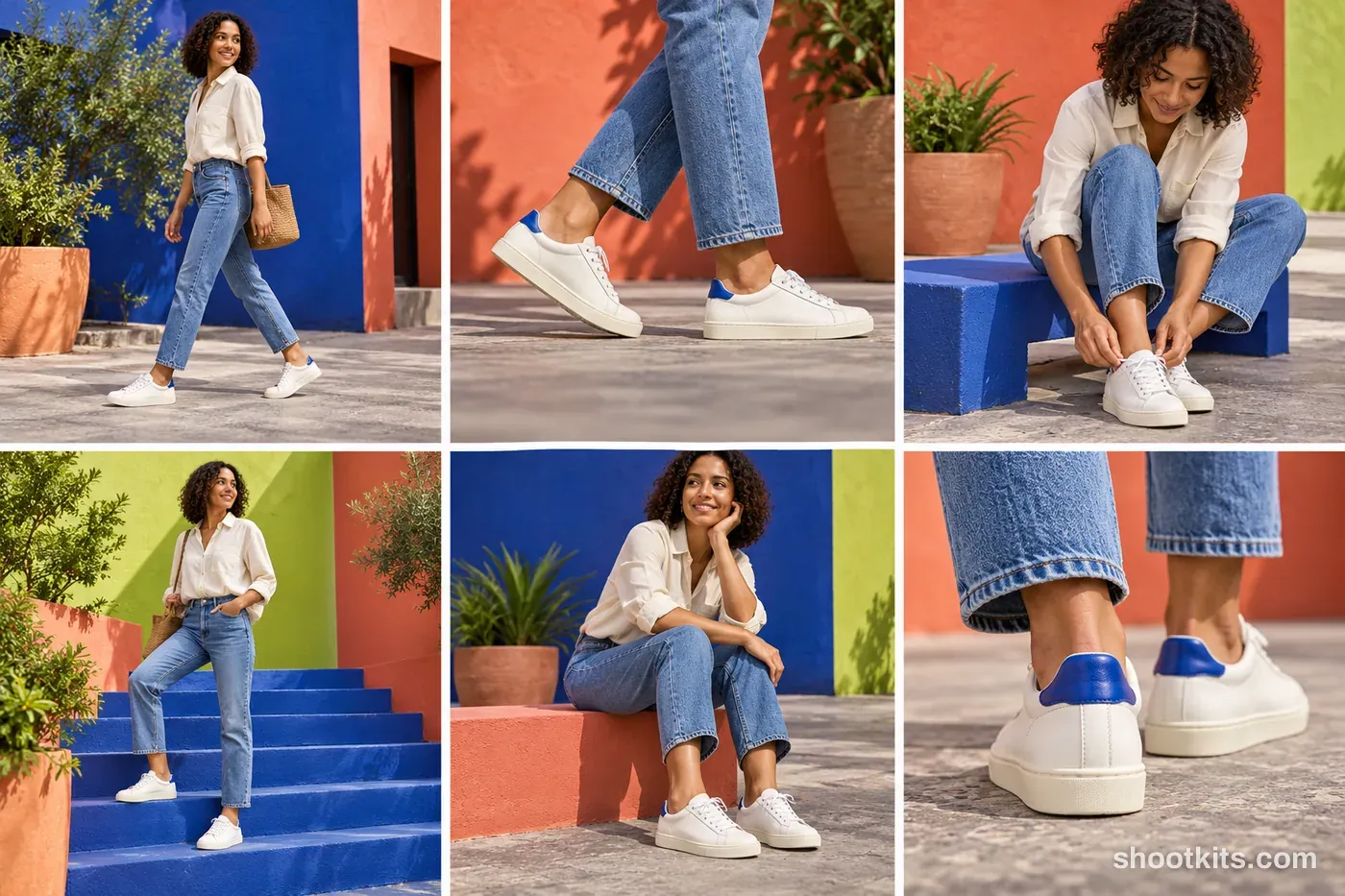
Using the color blocking look with your product
Each kit comes in three versions: product only, studio with a model, and lifestyle. The palette above is an example. When you attach your own product photo, ChatGPT takes its real colours and builds the color blocking set around them, so the look adapts to your product instead of changing it.
About the color blocking look
- What is color blocking product photography?
- It is a graphic look. The recipe: use large saturated contrasting planes, clean silhouettes and clearly separated product and backdrop colors. The typical palette is cobalt, coral, lime, and the lighting is bright neutral key and clean geometric shadows.
- How do I get the color blocking look in ChatGPT?
- Attach a photo of your product and paste one of the 3 color blocking kits on this page: product only, studio with a model, or lifestyle. The examples use footwear, but ChatGPT adapts the set to your product's real colours.